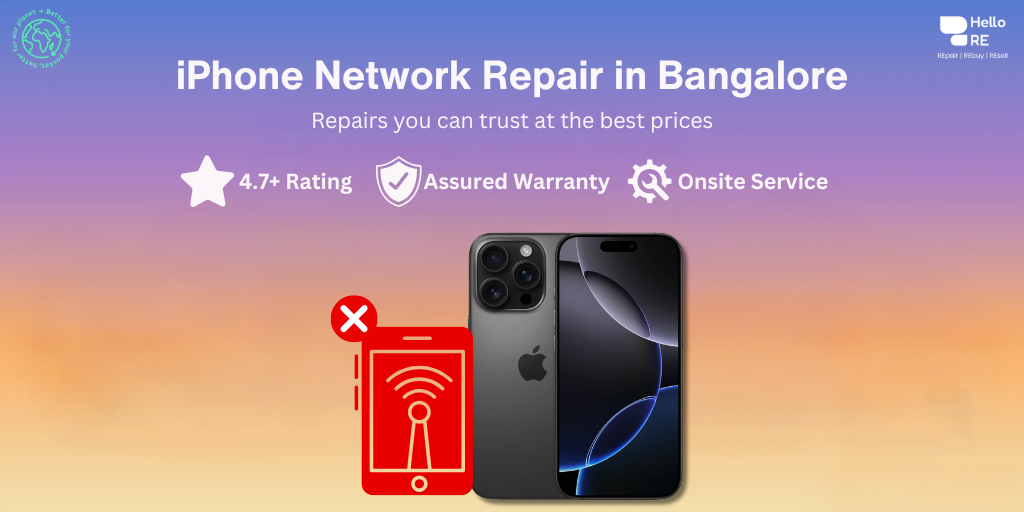
iPhone Network Issue Repair Cost in Bangalore - Affordable & Reliable Service at HelloRe
Book a service with our experts and get your device serviced at your home. We take care of all device issues like screen damage, battery, speaker, charging, and a lot more.
Your Queries, Our Expertise
How Can We Assist You Today?
Your iPhone's ability to connect to cellular networks and Wi-Fi is essential for communication, browsing, and accessing online services. However, network issues can disrupt your connectivity and affect your overall user experience. At HelloRE, we specialize in diagnosing and resolving iPhone network problems to ensure seamless connectivity for our customers.
Are you aware that 85% of iPhone users encounter network issues at home? Troubleshooting these problems doesn't have to be overwhelming. If you reside in a place where cell phone reception is spotty, you may frequently receive the "No Service" alert. If there are no network problems in the region and you are still unable to use your iPhone, there may be a problem with the internal software.
What are the Common Causes for iPhone No Network / No Service Problem?
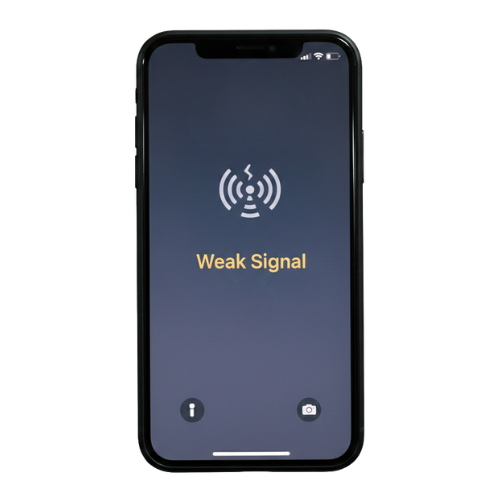
No Service Issue
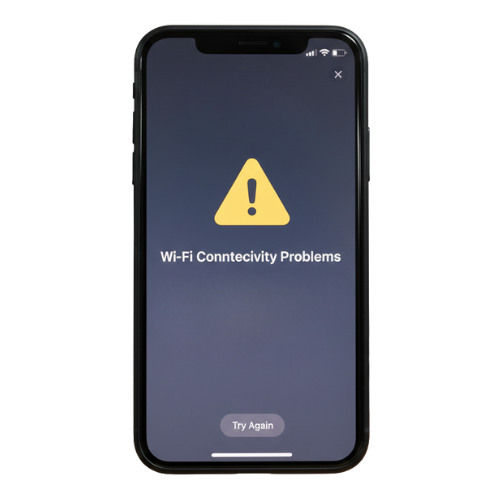
No Wi-Fi Issue
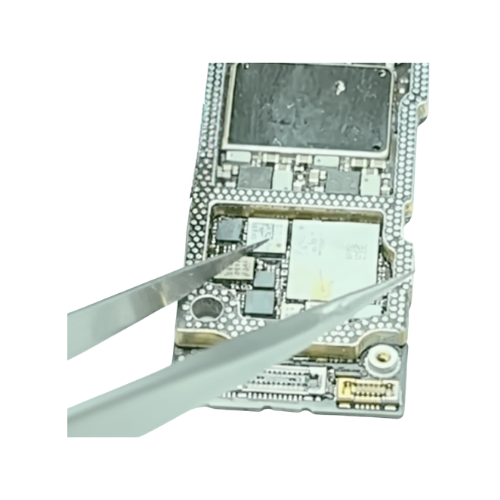
Motherboard Baseband IC Issue
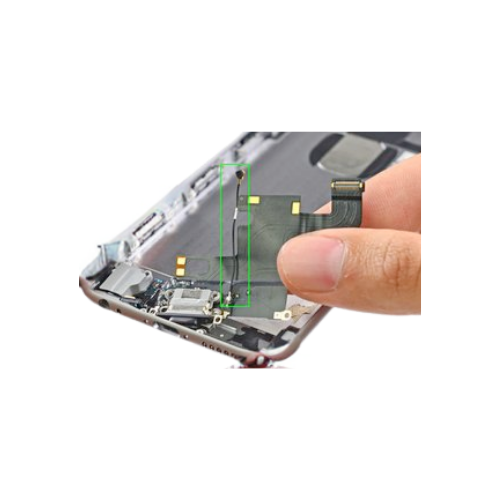
Antenna / RF Circuit Damage
How Can I fix an iPhone that's Showing No Network / No Service? DIY Troubleshooting
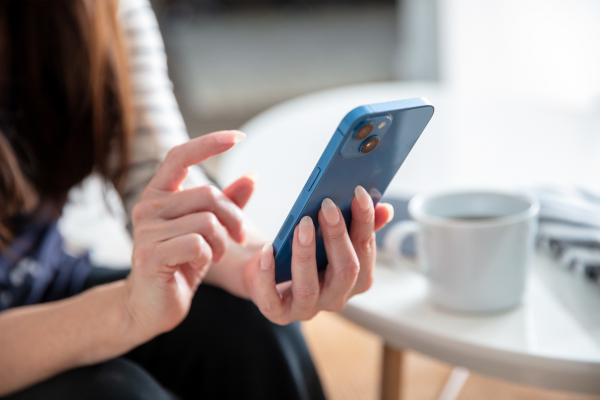
- Restart Your iPhone: A simple restart can often fix temporary network glitches. Turn off, wait a few seconds, and then power on your iPhone again.
- Reset Network Settings: Resetting network settings can help resolve persistent network issues. Navigate to Settings > General > Reset > Reset Network Settings.
- How to Check IMEI: Check by dialing *#06#. If the IMEI number is missing, it usually indicates a baseband issue.
- Carrier Lock: The iPhone may be locked to another carrier, or your SIM network may not be supported.
- Blacklisted IMEI: The device may have been reported lost or stolen, or blocked by the carrier.
iPhone No Network / No Service Issue Repair With Pickup and Drop Service Near You

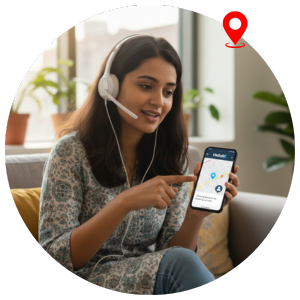
2. Book the Service
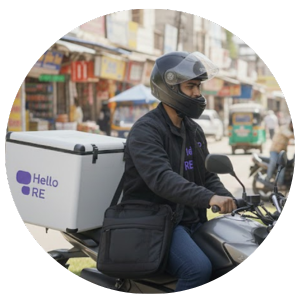
Share your location and a convenient time with our team to schedule a repair.
3. Sit Back and Relax
Once the repair is complete and your iPhone passes our quality checks, it is delivered back to you.
Bengaluru's Trusted Apple Service Partner
4.7
30K+
50K+
Why Choose Us?

Express Service

Good for your pocket

Good for your planet

Certified parts

Qualified Experts

Upto 12 month warranty
People Who Believe Us

Hellore's quick resolution of my iPhone network issue impressed me. Their expertise and transparent communication made the repair process hassle-free!
Uzma K.
Highly satisfied with Hellore's efficient handling of my iPhone network issue. Their professionalism and reliability exceeded my expectations!
Shreyasi Y.
Hellore's expertise in diagnosing and fixing my iPhone network problem was exceptional. I highly recommend them for reliable electronic device repairs!
Krishna E.
Thrilled with Hellore's expertise in resolving my iPhone network issue. Transparent communication and quick turnaround made the experience stress-free!
Rishav Y.
Impressed by Hellore's professionalism and efficiency in fixing my iPhone network issue. Highly satisfied with their expert repair service!
Tina G.
Hellore's swift and effective resolution of my iPhone network issue was remarkable. Their transparent pricing and expert repair work make them my top choice!
Jay Y.
Highly recommend Hellore for iPhone network issue repairs. Their prompt service and expertise saved the day for me!
Jiten S.
Hellore's expert handling of my iPhone network issue showcased their professionalism and reliability. Trustworthy for any electronic device repairs!
Daulat K.

iPhone Repair
Get Convenient, Transparent, and Affordable iPhone Repairs right at your doorstep, completed in just 30 minutes.




FAQs for iPhone Network Issue
Latest Blogs
_c7a922cf907197fdf4e7dce04f441f3e.png)

_c3ef0aff0ccceefabb9b9f762c364ab3.png)
_8ef6f0d795c550510a40d47a1f7e0924.png)
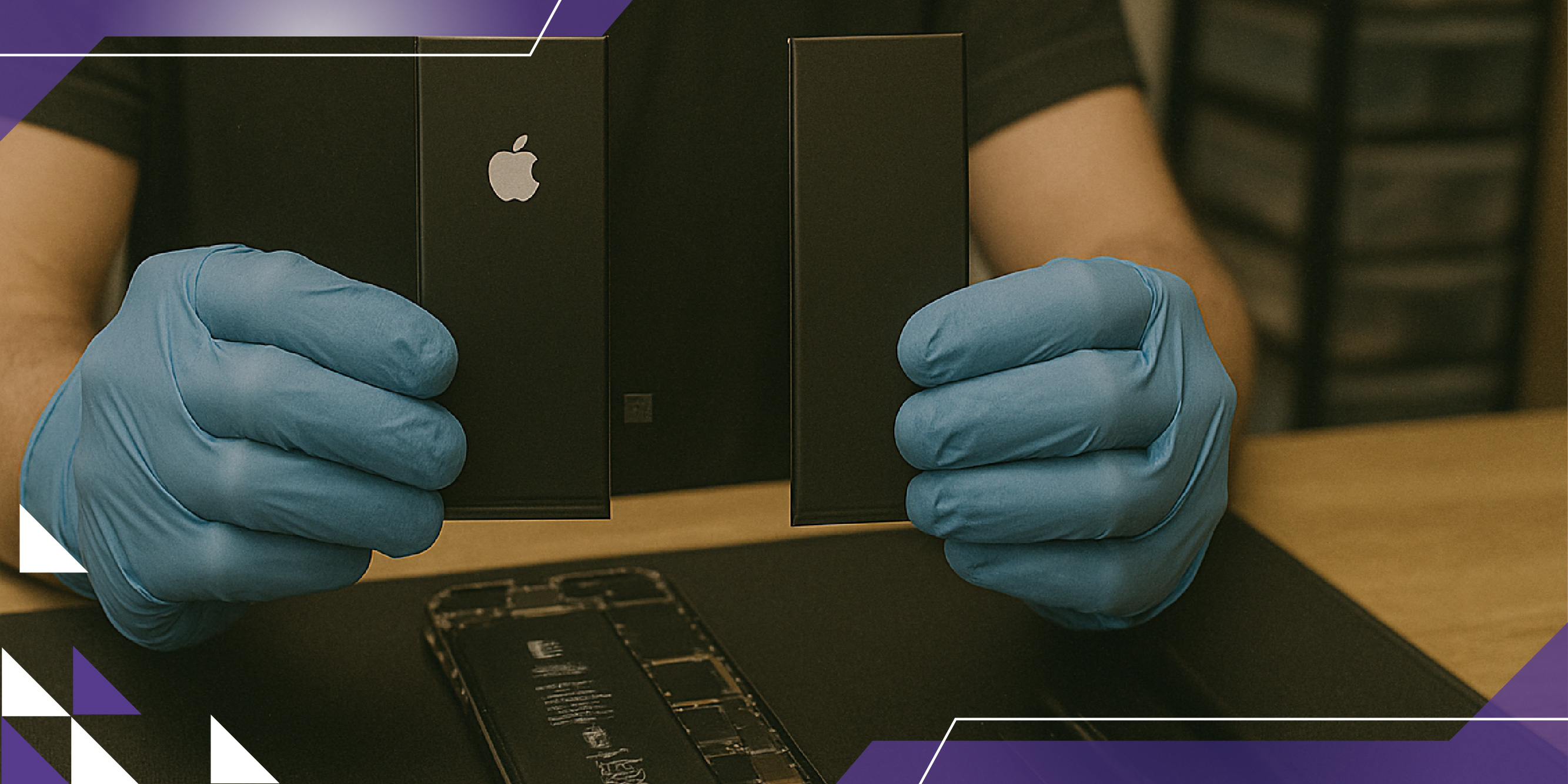
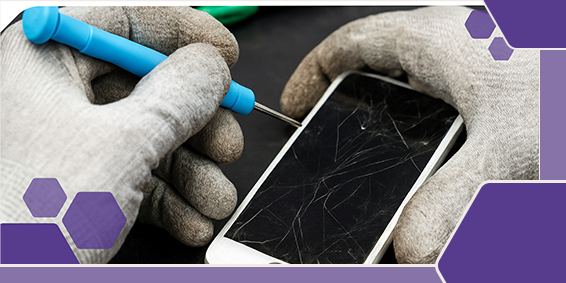
Our Doorstep Pickup and Delivery Available in Bengaluru

Hello Re (Formerly ERIP)
Made with in India
Information
Contact us
No 358, 1st Floor,
22nd Cross, 25th Main,
Sector 2, HSR Layout,
Parangi Palaya,
Bengaluru - 560102