_91f58eedb54b564b40bb48a6bc5777e2.png)
Fix MacBook Overheating: Causes & Solutions
A MacBook that runs hot usually points to one of three things: dust-clogged vents, a battery or logic board wearing out, or too many background apps fighting for CPU time. Most cases of MacBook overheating can be fixed at home in under 15 minutes, but if the fan screams under light use or the bottom case gets too hot to touch, it's a sign the hardware needs a technician's attention.
Key Takeaways
- Software is the first suspect: Runaway processes in Activity Monitor and outdated macOS versions cause a large share of overheating complaints, and both are free to fix.
- Dust is Bengaluru's silent killer: Construction dust and seasonal humidity clog MacBook vents faster here than in drier cities, so a cleaning every 6-8 months matters more locally.
- An aging battery generates real heat: A battery below 80% health works harder to hold charge and can push internal temperatures up even during simple tasks like browsing.
- Persistent heat after cleaning means hardware: Dried thermal paste, a failing fan motor, or logic board damage from a past spill won't resolve with restarts or resets.
- Doorstep diagnosis saves a trip: Services like HelloRe send a certified technician to inspect and often repair a MacBook's cooling system at your home or office in Bengaluru, with a free diagnostic before you commit to any repair.
MacBook Overheating At a Glance
| Cause | Fix Type | Can You DIY? | Typical Time |
|---|---|---|---|
| Too many open apps/tabs | Software | Yes | 2-5 minutes |
| Outdated macOS | Software update | Yes | 15-40 minutes |
| Dust in vents and fans | Manual cleaning | Partially (external only) | 10-15 minutes |
| Corrupted SMC settings | SMC/NVRAM reset | Yes | 2 minutes |
| Degraded battery health | Battery replacement | No | Same-day at a service center |
| Dried-out thermal paste | Internal repaste | No | 1-2 hours with a technician |
| Failing fan motor | Fan replacement | No | Same-day to 1 day |
| Logic board or liquid damage | Board-level repair | No | 1-3 days depending on damage |
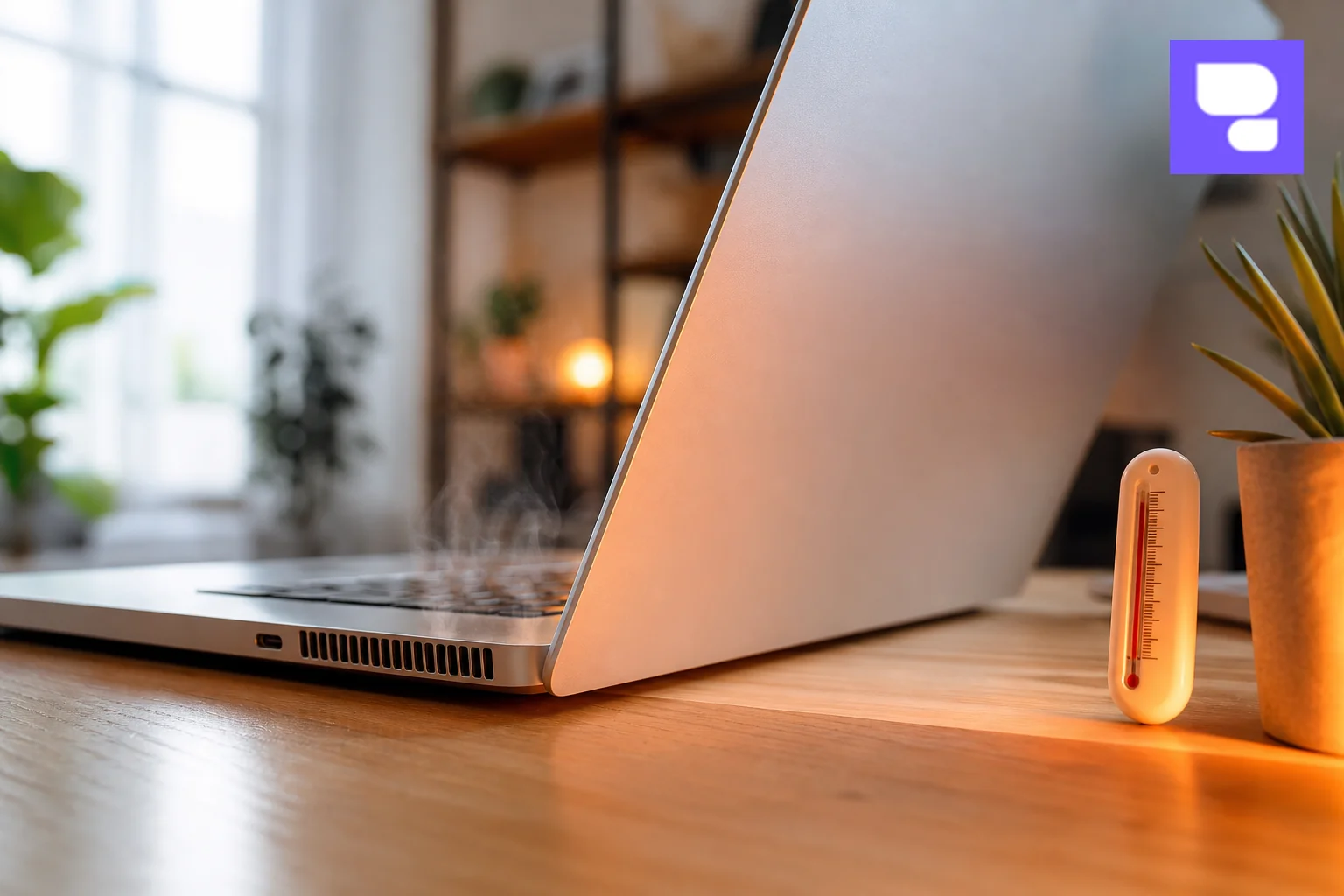
Why Does a MacBook Overheat in the First Place?
Every MacBook manages heat through a combination of aluminum casing, internal heat pipes, and (on most Pro and older Air models) a small fan that spins up when the processor works hard. When that system gets blocked, worn out, or overwhelmed by software demands, temperatures climb fast, and MacBook overheating becomes a daily annoyance instead of a rare event.
Here are the most common triggers our technicians see across Bengaluru homes and offices:
- Dust buildup: Fine dust from Bengaluru's ongoing construction activity and traffic settles into intake vents over months, restricting airflow around the fan and heat sink.
- Aging thermal paste: The paste between the processor and heat sink dries out after 3-4 years, reducing heat transfer efficiency significantly.
- Background software load: Browser tabs, cloud backup apps, and Spotlight re-indexing after a big file transfer can spike CPU usage without you noticing.
- Blocked airflow: Using a MacBook on a bed, cushion, or blanket blocks the intake vents on the underside, trapping heat inside the chassis.
- Battery degradation: A battery that has lost capacity works harder under normal load and generates more heat as a byproduct.
- Humidity and monsoon moisture: Bengaluru's monsoon months add moisture into the mix, which can accelerate dust clumping inside vents and, in some cases, minor corrosion near ports.
Most of these causes stack on top of each other. A four-year-old MacBook with dusty vents, a tired battery, and thirty Chrome tabs open at once will run far hotter than any single factor alone would suggest.
1. Check Activity Monitor for Runaway Processes
Before touching any hardware, rule out software. Open Activity Monitor from Spotlight search, click the CPU tab, and sort by percentage used. Anything sitting above 80-90% for more than a few minutes while you're not actively using it is worth investigating.
Common culprits our technicians spot during doorstep visits include:
- Chrome or Safari with 20+ tabs, especially ones with auto-playing video or ads
- Cloud backup tools like Google Drive or Dropbox syncing large folders in the background
- Spotlight (
mds_stores) re-indexing after a software update or large file move - Old or poorly optimized apps that haven't been updated for Apple Silicon chips
Select the offending process and click the X button to force quit it. If a specific app repeatedly spikes your CPU, check for a pending update in the App Store or the developer's website. This single step resolves a surprising share of overheating complaints with zero cost and zero risk to your device.
2. Clean Out Dust From Vents and Fans at Home
If Activity Monitor looks clean but the fan still roars, dust is the next likely cause. You can safely clean the external vents yourself without opening the case.
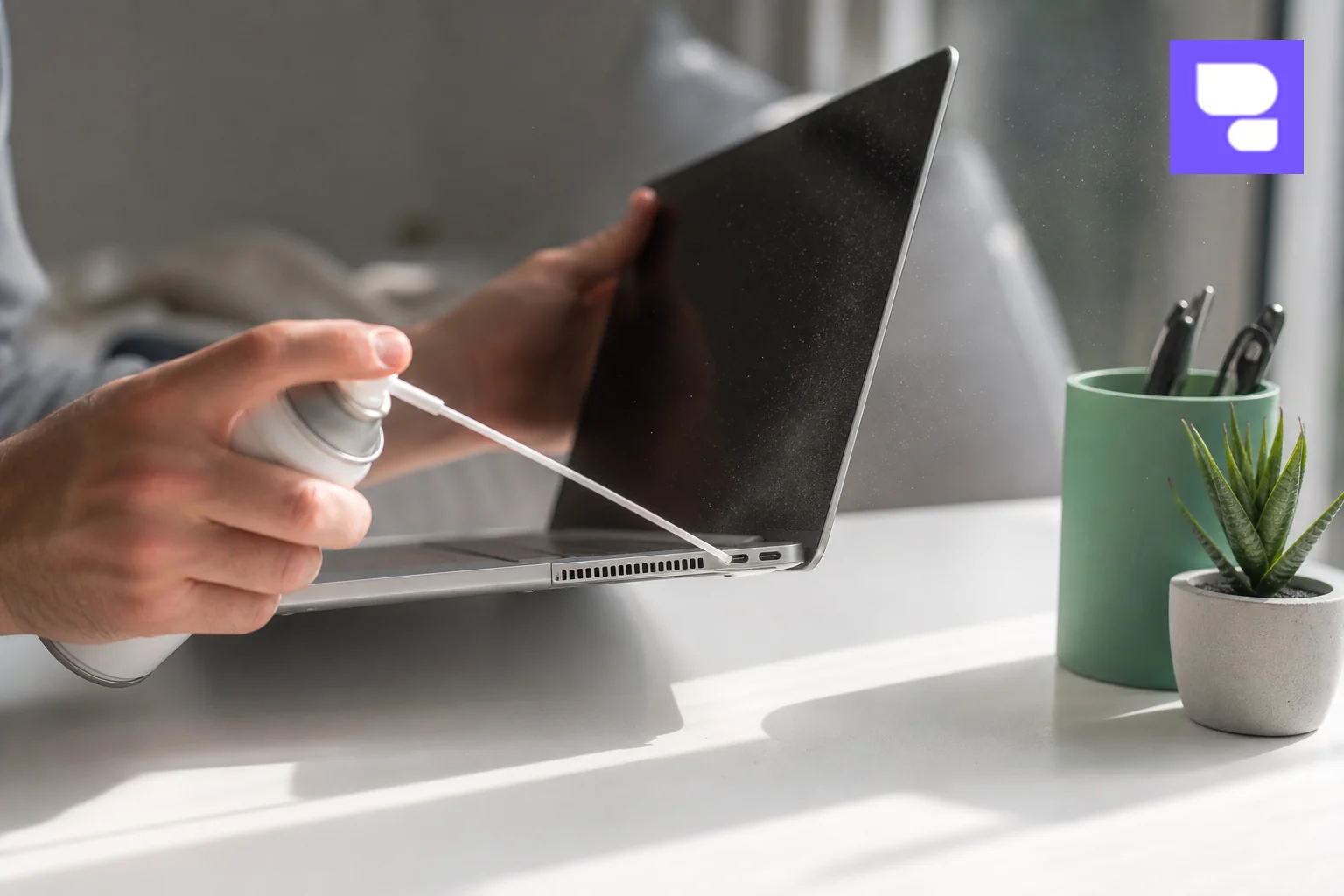
- Shut down the MacBook completely and unplug the charger.
- Hold a can of compressed air upright, about 5-6 cm from the vent opening, and give short bursts rather than one long spray.
- Clean both the intake vents (usually along the hinge or underside) and any visible exhaust ports.
- Use a soft, dry brush to gently loosen dust before spraying, especially if it's been over a year since the last clean.
- Let the laptop sit for a few minutes before powering it back on to allow any moisture from the air can to evaporate.
Always keep the MacBook on a hard, flat surface like a desk or table rather than a bed, sofa cushion, or your lap covered in a blanket. Soft surfaces block the intake vents on the underside and are one of the fastest ways to trigger overheating even on a brand-new MacBook.
What you should not do is open the bottom case yourself to clean the internal fan blades or heat sink. MacBook screws use proprietary pentalobe heads, and removing the bottom cover on many models risks damaging the battery adhesive or fan ribbon cable if you're not trained for it. That's internal cleaning territory best left to a certified technician.
3. Update macOS and Reset SMC
Outdated macOS versions sometimes mismanage power and thermal throttling, especially after Apple pushes performance-related patches. Go to System Settings > General > Software Update and install any pending update. This alone has fixed unexplained fan spin-up issues on several Intel-based MacBook Pro and Air models we've serviced.
If the update doesn't help, reset the System Management Controller (SMC), which governs fan speed, battery charging, and thermal behavior:
- Apple Silicon (M1/M2/M3/M4) MacBooks: Simply shut down, wait 10 seconds, then power back on. Apple Silicon Macs don't have a separate SMC reset sequence since the controller is built into the chip.
- Intel MacBooks with the T2 chip: Shut down, then hold Shift + Control + Option (left side) and the power button together for 10 seconds, then release and power on normally.
- Older Intel MacBooks with removable battery: Remove the battery, hold the power button for 5 seconds, reinsert the battery, and power on.
Follow this with an NVRAM/PRAM reset (hold Option + Command + P + R during startup for about 20 seconds) if fan noise persists. These resets clear corrupted settings that sometimes cause the fan to run at full speed even when the processor is idle.
4. Manage Battery Health and Charging Habits
A battery in poor health is one of the most overlooked causes of MacBook overheating. Check yours under System Settings > Battery > Battery Health. Apple flags anything showing "Service Recommended" as degraded enough to affect performance and heat output.
A few habits reduce battery-related heat buildup:
- Avoid charging your MacBook while it's on a soft surface that traps heat around the battery.
- Don't run heavy tasks like video export while charging from very low battery, as this pulls maximum current through an already-strained battery.
- Keep the MacBook out of direct sunlight or a hot car, since ambient heat compounds internal heat.
If your battery health has dropped below 80% and the laptop feels noticeably warmer than it used to, replacement is usually the right call rather than living with the heat and the shorter runtime. Our MacBook battery replacement cost guide for 2026 breaks down what affects pricing across different MacBook models so you know what to expect before booking a repair.
5. When Overheating Signals a Hardware Problem
Some causes of MacBook overheating simply can't be fixed with a restart, an update, or a can of compressed air. If you've cleaned the vents, checked Activity Monitor, and reset the SMC, and the fan still spins at full speed under light use, the issue is likely inside the chassis.
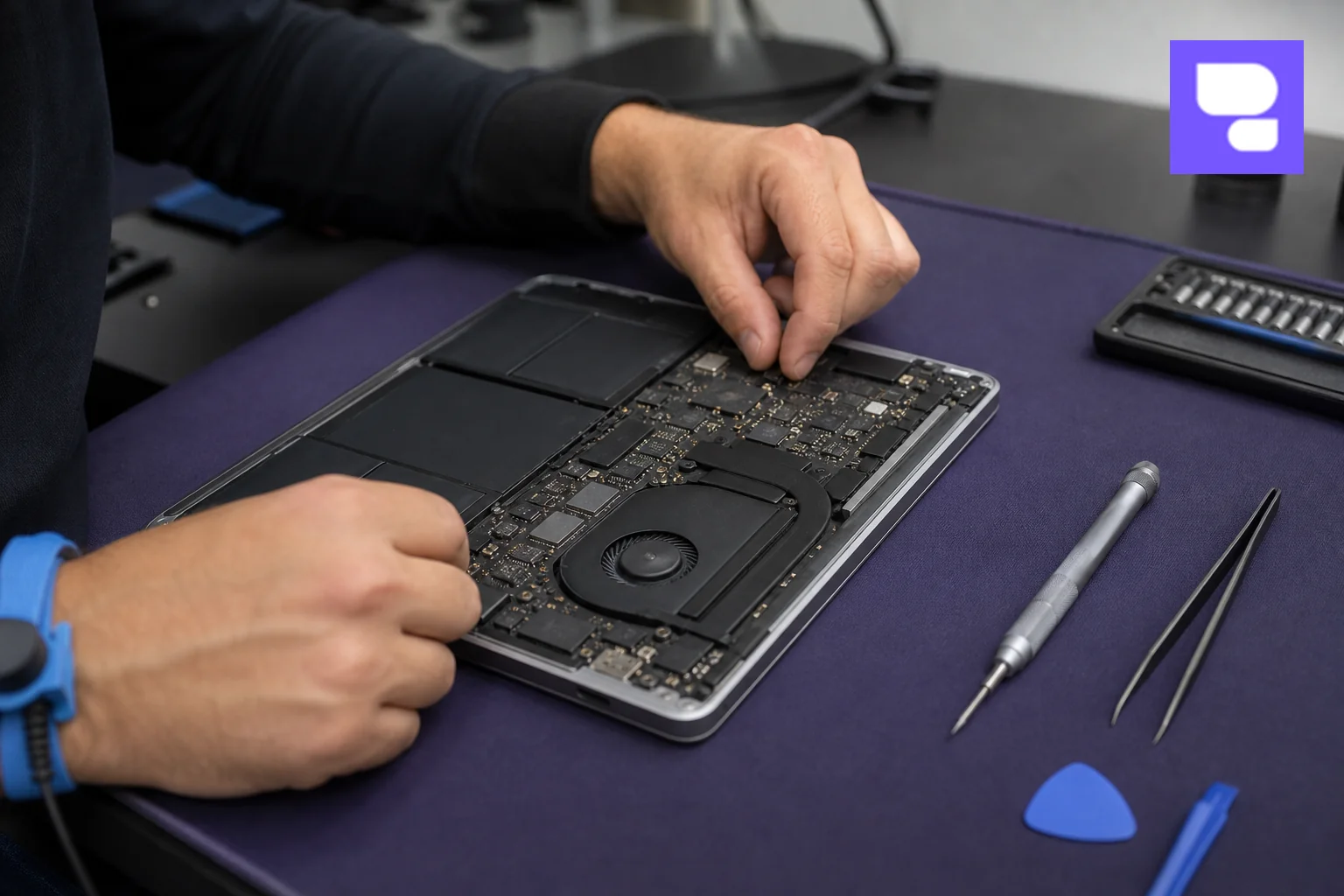
Watch for these hardware warning signs:
- Dried-out thermal paste: Common in MacBooks over 3-4 years old, this reduces heat transfer between the processor and heat sink, forcing the fan to compensate constantly.
- Grinding or rattling fan noise: A failing fan motor or bearing often gets louder and rougher-sounding before it stops spinning altogether.
- Past liquid damage: Even a small spill that seemed to dry out fine can leave corrosion near the heat sink or logic board, causing abnormal power draw and heat months later.
- Sudden shutdowns under load: If your MacBook powers off unexpectedly during video calls or exports, the thermal sensors are likely shutting it down to prevent component damage.
- Flexgate-related issues: On some 2016-2017 MacBook Pro models, a worn display flex cable can cause erratic behavior, including backlight flicker paired with unusual heat near the hinge.
- Visible warping or bulging near the trackpad: This is often a sign of a swollen battery pushing against the chassis, which is both a heat risk and a safety concern.
If you notice any of these, stop troubleshooting and get the internals inspected. Continuing to use a MacBook with a failing fan or degraded battery risks permanent damage to the logic board from sustained heat exposure. If your MacBook has ever taken a splash, our guide on MacBook repair in Bangalore covers what a full diagnostic and repair process looks like from start to finish.
6. Book a Professional MacBook Repair in Bengaluru
When overheating turns out to be a hardware issue, HelloRe offers a straightforward path that doesn't involve driving across Bengaluru traffic to find a service center. A certified technician can visit your home or office for a doorstep MacBook repair, running a free diagnostic to confirm whether the issue is thermal paste, a fan motor, the battery, or something deeper on the logic board.
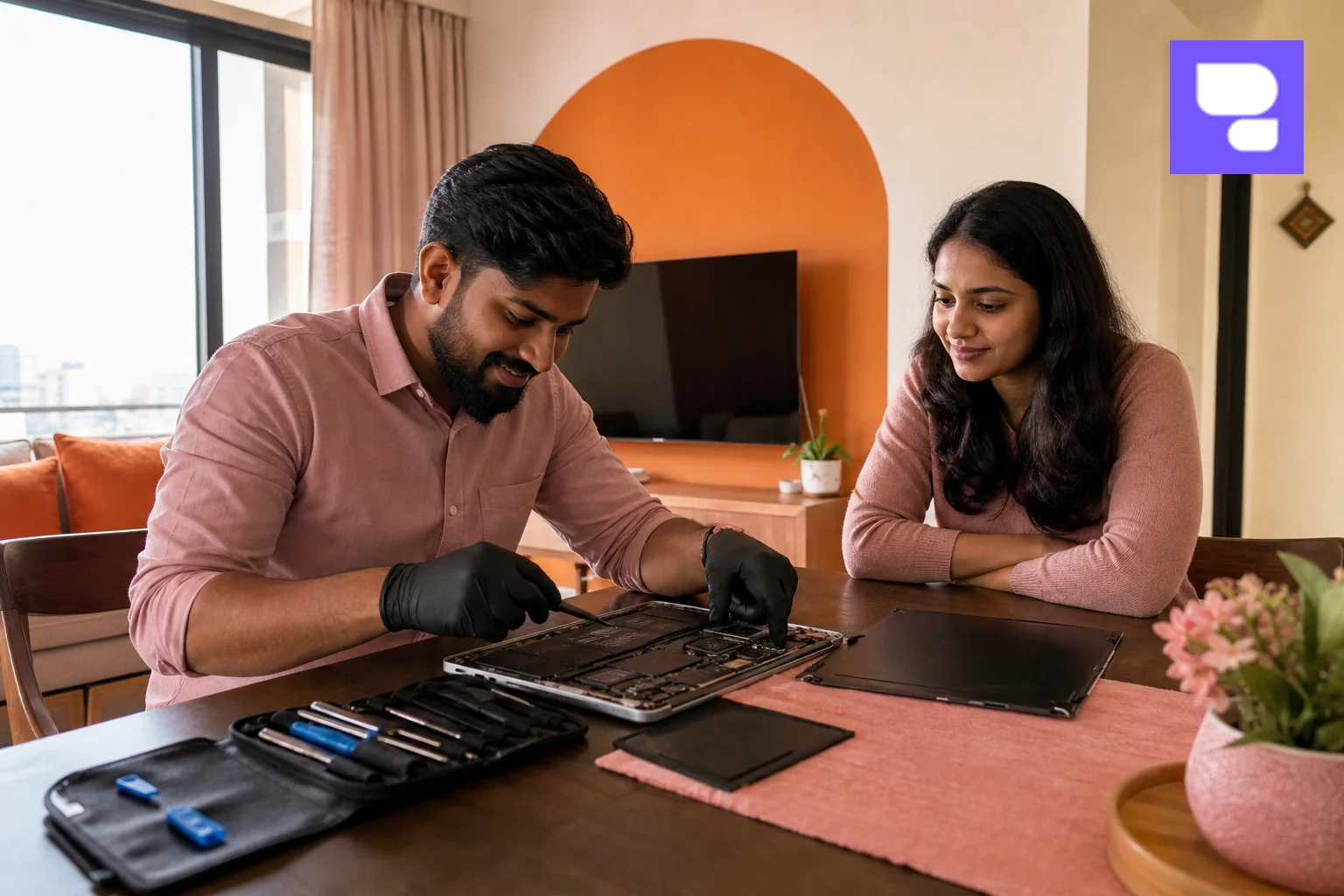
Here's what the process typically looks like:
- Book a slot online or by contacting HelloRe directly, sharing a quick description of the overheating symptoms.
- Free diagnostic: The technician checks internal temperatures, fan behavior, and battery health and looks for dust or liquid residue before quoting any repair.
- On-the-spot repair or pickup: Simple fixes like thermal repasting or fan replacement are often completed at your location; more involved logic board work may require a short pickup and delivery window.
- Certified parts and warranty: Repairs use certified parts and come with up to a 12-month warranty, so you're covered if the same issue resurfaces.
Prefer to walk in instead? HelloRe also runs a store at HSR Layout for customers who'd rather have the diagnostic done in person. Either way, you skip the long queues and vague pricing that often come with authorized service centers, and you get a technician who explains exactly what's causing the heat before any work begins.
If your MacBook's trackpad has also started acting up alongside the heat (a common combo when a battery swells), it's worth reading about MacBook repair services available across Bengaluru to understand the full range of issues a single visit can resolve.
How to Prevent MacBook Overheating Going Forward
Once your MacBook is running cool again, a few habits keep it that way for the long run:
- Use a hard, flat surface or a laptop stand instead of a bed, sofa, or lap covered in fabric.
- Clean the external vents every 6-8 months, more often if you work near construction sites or during Bengaluru's dustier pre-monsoon months.
- Close unused tabs and apps instead of leaving dozens open in the background for days at a time.
- Keep macOS updated so thermal management and battery charging algorithms stay current.
- Schedule an annual checkup for MacBooks older than three years, since thermal paste and battery health degrade gradually and silently.
Beyond keeping your device comfortable to use, repairing a cooling system instead of replacing the whole MacBook also keeps another working device out of Bengaluru's e-waste stream. HelloRe's repair-first approach is built around exactly this kind of circular economy thinking, extending the life of devices that would otherwise end up discarded over a fixable fault.
Frequently Asked Questions
Is it normal for MacBook fans to run loud sometimes?
Yes, brief fan spin-up during video exports, gaming, or heavy multitasking is normal. It becomes a concern when the fan runs loud during light tasks like browsing or word processing, or when it never fully quiets down.
Can overheating permanently damage my MacBook?
Yes. Sustained high temperatures can accelerate battery degradation, warp internal components, and in severe cases damage the logic board. Addressing overheating early prevents these more expensive repairs later.
How much does MacBook logic board repair cost?
Cost depends on the extent of damage and which components need replacing. Our MacBook battery replacement cost guide gives a sense of component-level pricing, and HelloRe's free diagnostic will give you an exact quote for your specific model and issue.
Should I buy a cooling pad for my MacBook?
A cooling pad can help marginally with airflow, but it won't fix dust buildup, dried thermal paste, or a failing fan. Think of it as a minor aid, not a substitute for proper cleaning or repair.
How often should I get my MacBook serviced?
An annual checkup is a reasonable baseline for MacBooks over two years old, with more frequent vent cleaning if you work in dusty environments or notice fan noise creeping up between services.
A hot, loud MacBook doesn't have to be something you just live with. Start with the free software fixes above, and if the heat and noise persist, get a proper diagnostic before the issue spreads to your battery or logic board. Repair my device now with HelloRe's certified technicians, who can visit your home or office anywhere in Bengaluru, or view all MacBook repair services to see exactly what's covered. You can also book a repair now for a free diagnostic, or contact us if you'd rather talk through your MacBook's symptoms first.